
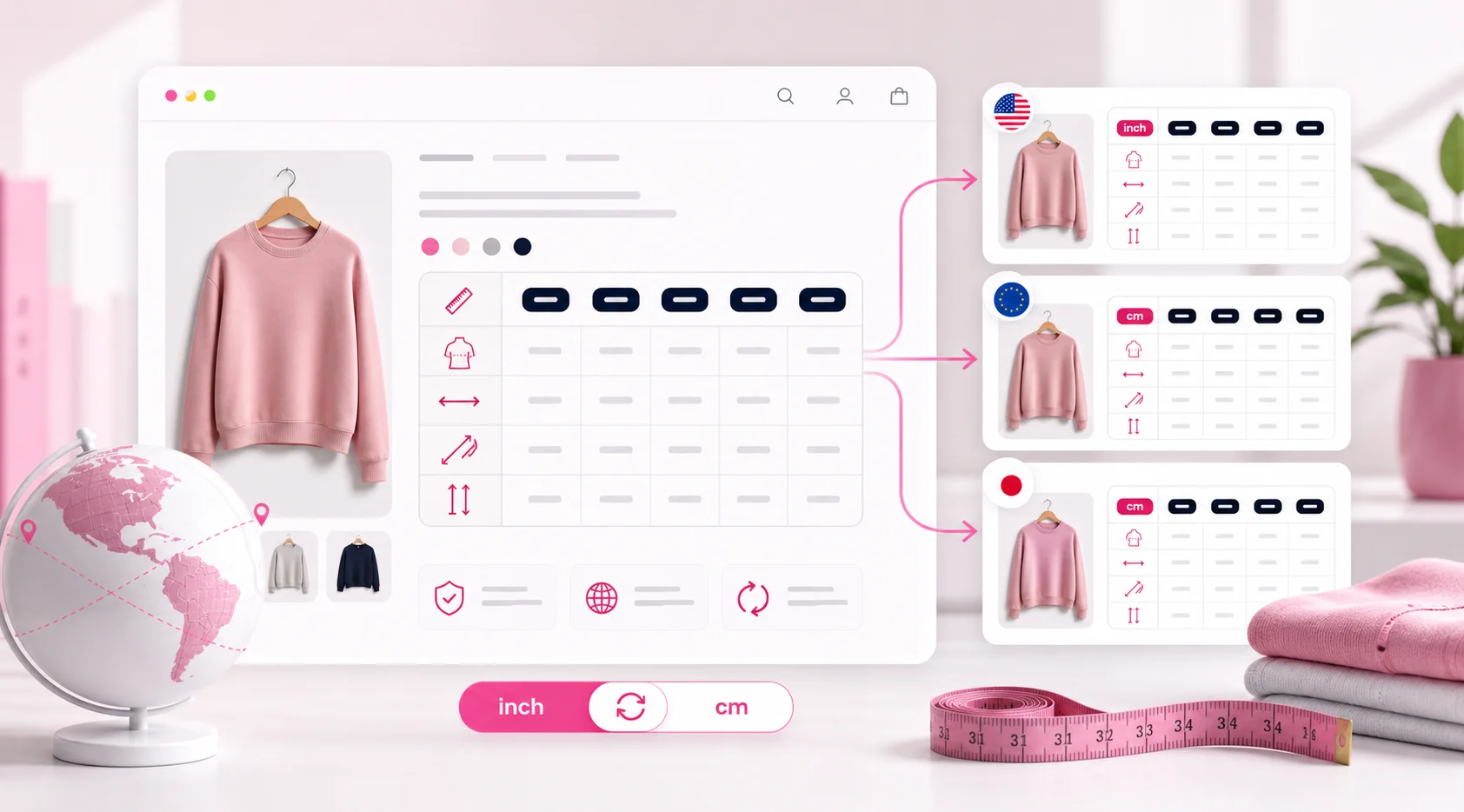
Why size charts matter
A size chart answers one of the biggest questions before purchase: will this fit?
For international stores, the chart should match language, units, and customer expectations.
- Language
- Units
- Fit notes
- Return prevention
What to translate
Translate headings, fit guidance, measurement labels, and any product-specific notes.
If markets use different sizing systems, adapt the chart rather than only translating words.
- Measurements
- Units
- Fit labels
- Care notes
How to publish localized charts
Create a localized chart image for each important language and assign it to the correct product language.
Add localized alt text so the chart is understandable to search engines and accessibility tools.
- Upload localized chart
- Assign language
- Add alt text
- Preview
FAQ
Should size chart images be translated?
Yes, especially when the chart contains language, units, or sizing systems that differ by market.
Can I use different charts per language?
Yes. Freshify can show language-specific product images.
Does this help returns?
Clear sizing information can reduce confusion and may help reduce size-related returns.
Related guides and tools
Ready to localize your Shopify images?
Install EZ Product Image Translate and adapt product visuals and alt text for every market.
Install for Free