
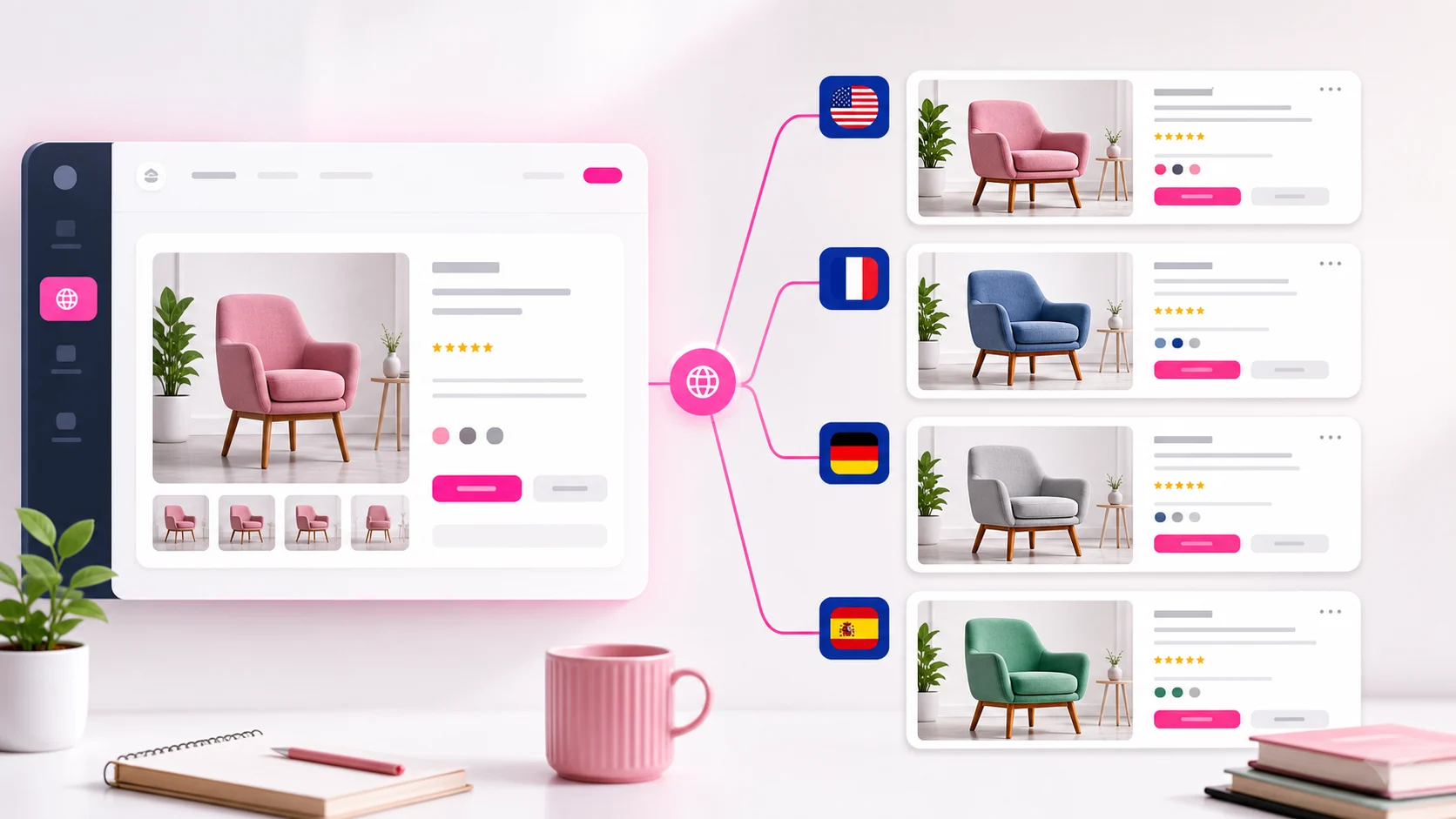
The cleanest approach
Keep one product catalog and attach language-specific image variants to each product.
This avoids the mess of duplicated products while still giving each language a native-looking page.
- One catalog
- Multiple image variants
- Localized alt text
Step-by-step workflow
Choose a product, pick the language, upload the localized image, write localized alt text, and preview the storefront.
Repeat for your highest-traffic products first, then expand.
- Pick product
- Pick language
- Upload image
- Preview
Where this converts best
Language-specific images are especially useful for visuals with text: size charts, labels, banners, feature grids, and usage instructions.
They also work for culturally specific lifestyle images or packaging.
- Size charts
- Instructions
- Product benefits
- Localized packaging
FAQ
Can I show French images on French product pages?
Yes, use language-based image rules in EZ Product Image Translate.
Does this require theme code?
No. The workflow is built for merchants.
Can I translate alt text too?
Yes. Localized image alt text is part of the workflow.
How many languages are supported?
EZ Product Image Translate supports 20+ languages.
Related guides and tools
Ready to localize your Shopify images?
Install EZ Product Image Translate and adapt product visuals and alt text for every market.
Install for Free